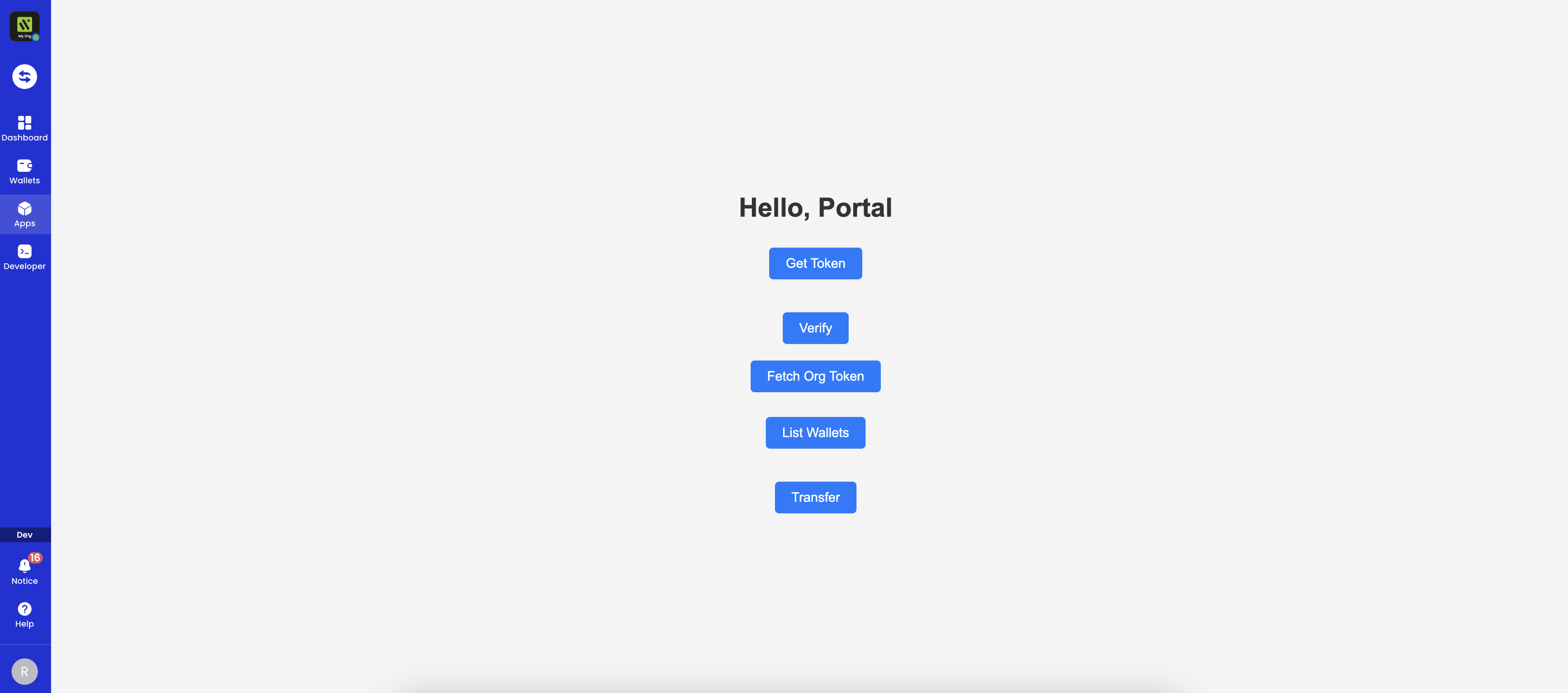
Prerequisites
- To build and manage a Cobo Portal App, you need to first create an organization in Cobo Portal in the development environment. Follow the instructions in Quick start guide to set up your Cobo account and create your organization. If an organization has already been set up, ask your organization admin to invite you to join the organization.
- Install FastAPI or Next.js as the development environment.
Create an app project
-
Install Cobo CLI.
-
Log in to Cobo Portal and connect Cobo CLI to your Cobo Portal account. Follow the instructions on the screen to complete the authorization process.
-
Create a Hello World app project.
Preview the app
-
In Cobo Portal, click the Apps icon in the left-side navigation bar, navigate to the Hello World app, and then click View Details.
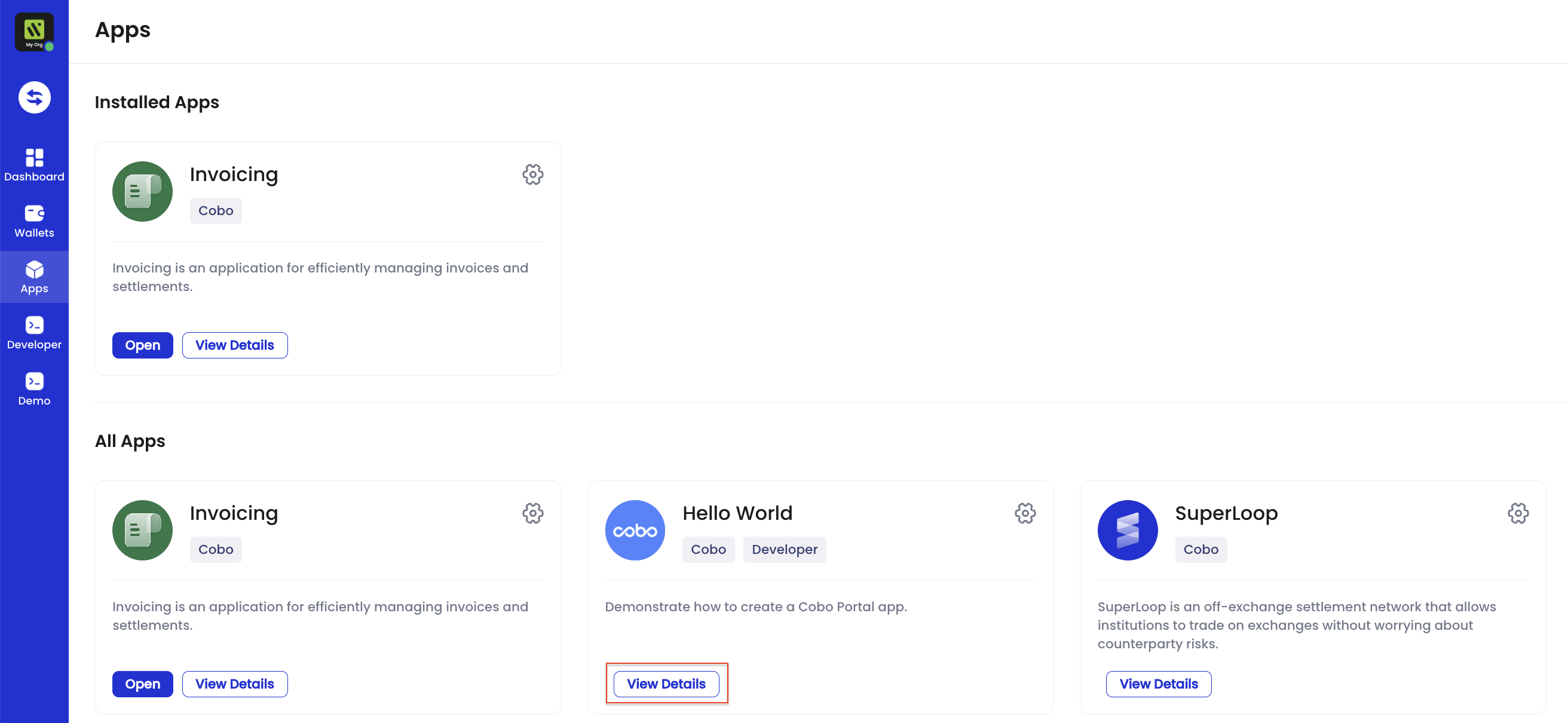
- On the details page, click Install to install the app. Select the optional permissions and wallet scopes of the app based on your preferences, and then click Confirm.
-
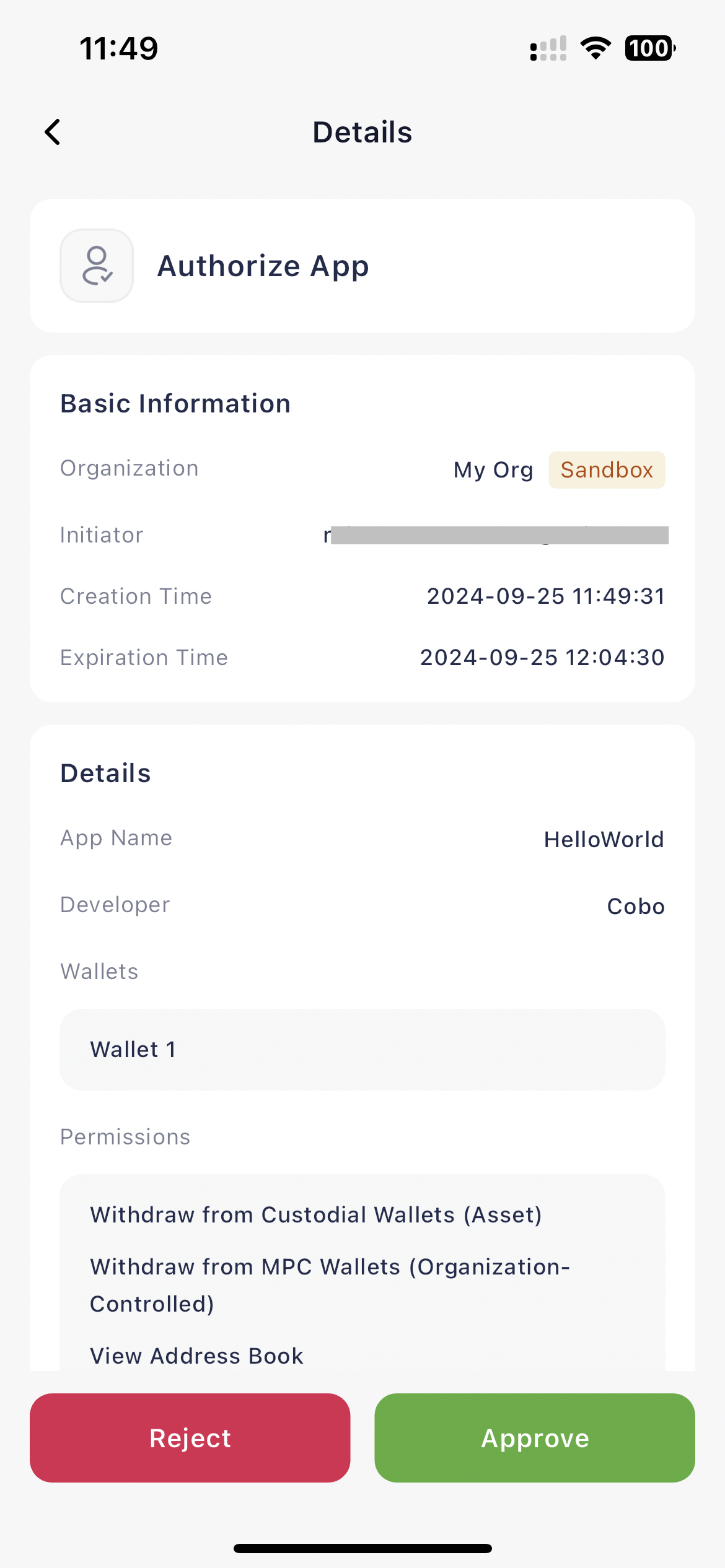
Ask your organization admin to authorize the installation of the app in Cobo Guard.
-
Run the app project locally.